
Movavi Video Editor
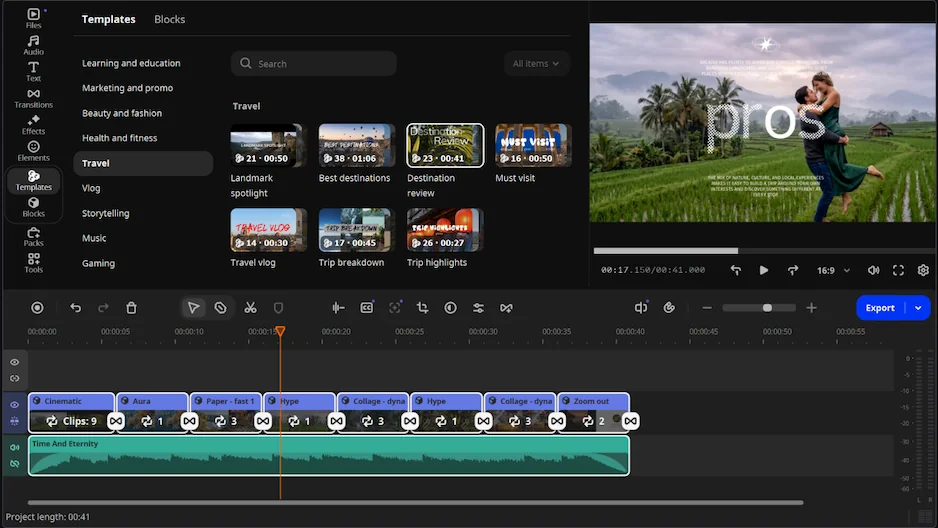
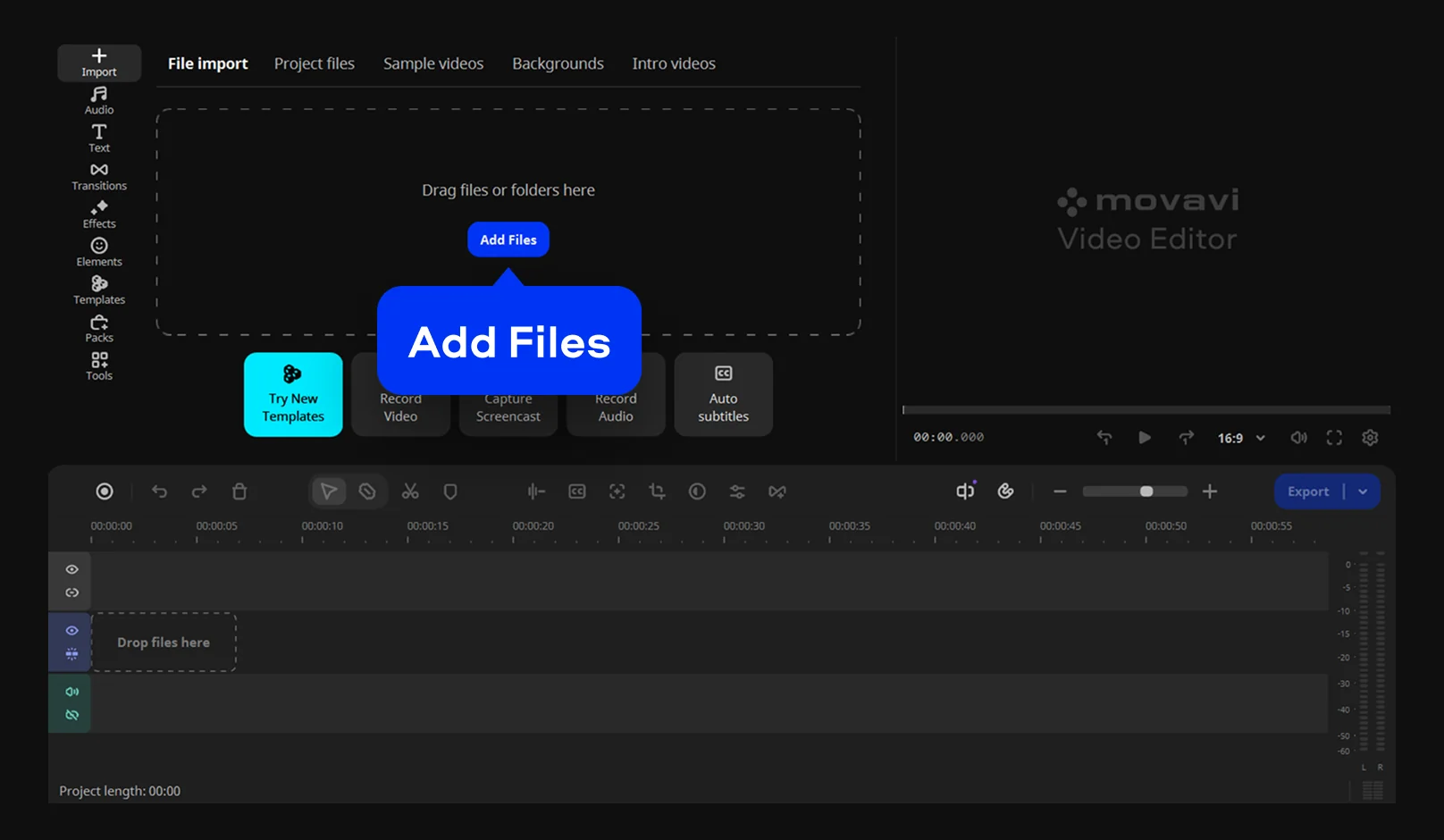
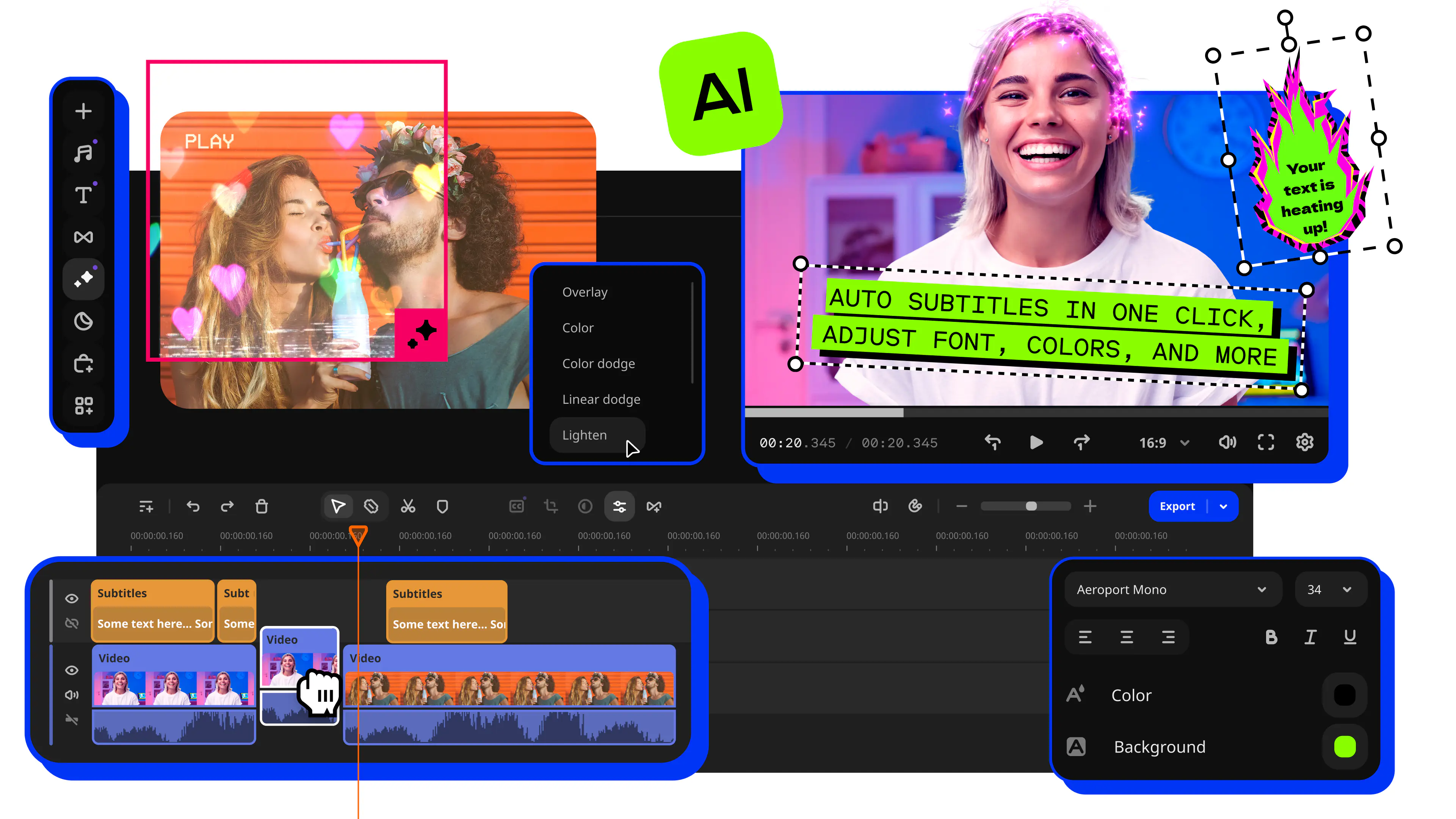
Movavi Video Editor is an intuitive video editor with customizable video templates, one-click AI tools, and hundreds of drag-and-drop effects. It is a desktop app for Windows and macOS. Hover over a clip or slide along the timeline and an instant preview shows up, so you spend your time creating instead of hunting for tools. Movavi Ideas, a free tutorial hub with a new step-by-step editing idea every week, gives you something to try on day one.
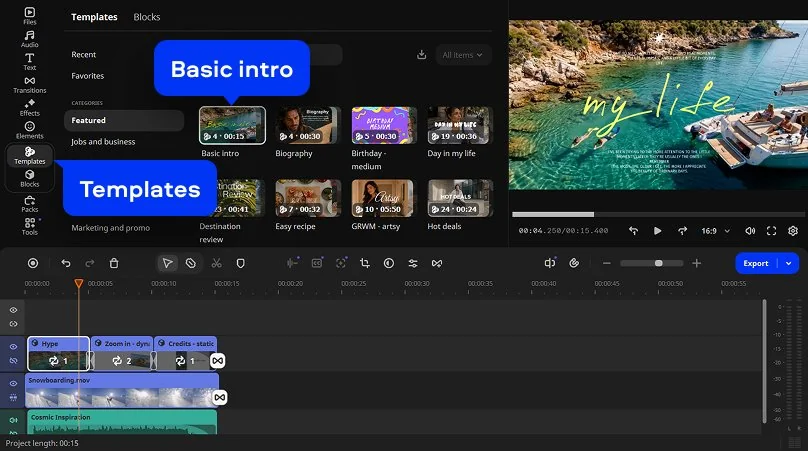
The first-try result comes from named tools. Auto-tracked cropping reframes a horizontal vlog for vertical, auto subtitles add captions that light up word by word, and a template brings pre-set editing, so a new video starts from a finished structure instead of a blank timeline.
Best for: lifestyle bloggers who turn vlogs and travel footage into Shorts, Reels, and TikTok clips.
Key features:
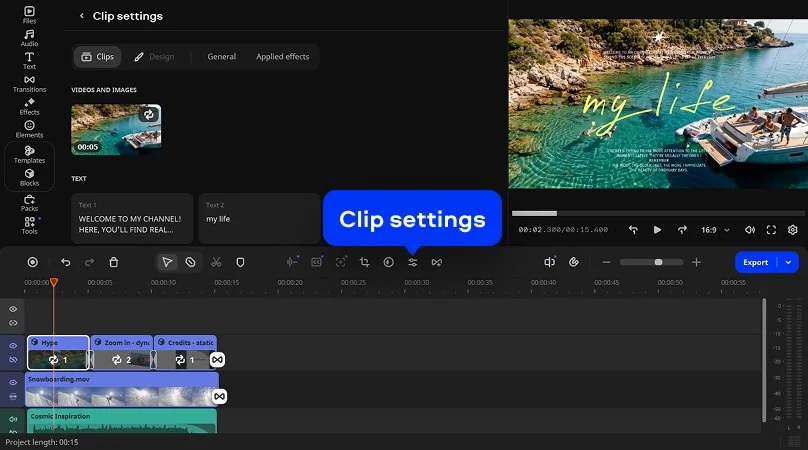
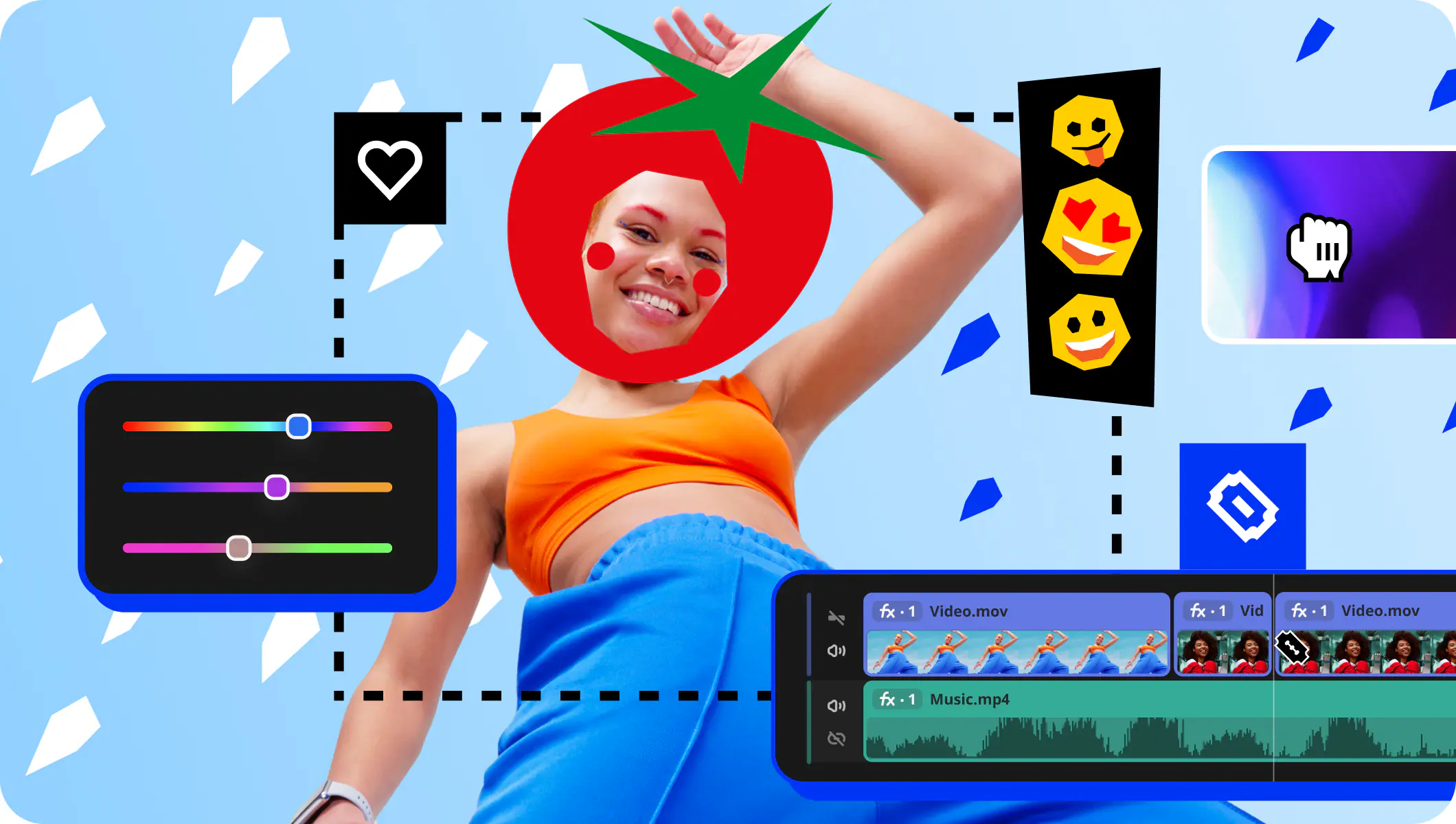
- Templates: Movavi Video Templates is a multi-style library of customizable, pro-looking, modular templates for any kind of video. Each one is a ready-made project of Blocks, which are short, pre-edited segments where you drop in your own clips, photos, and text.
- Silence removal: finds pauses automatically, with adjustable pause length and volume thresholds.
- Audio noise removal: clears traffic, wind, and steady hums in one click.
- Background removal: works without a green screen on any video that features a person.
- Speed control: accelerates footage up to 100x for time-lapses.