
Movavi Video Editor
Best for
lifestyle vloggers (daily routines, unboxings, travel videos) and families editing road trips, on Windows or Mac.
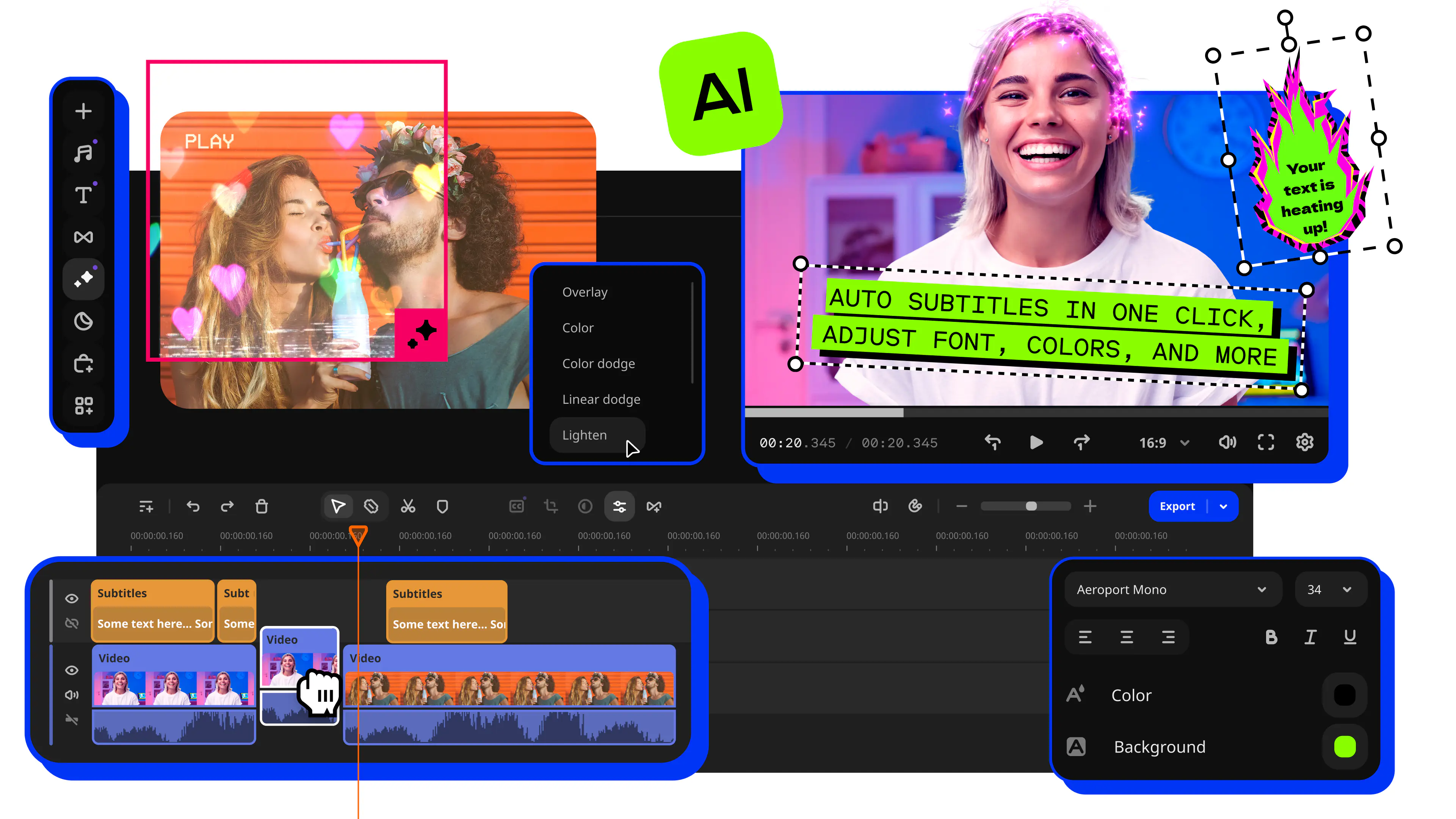
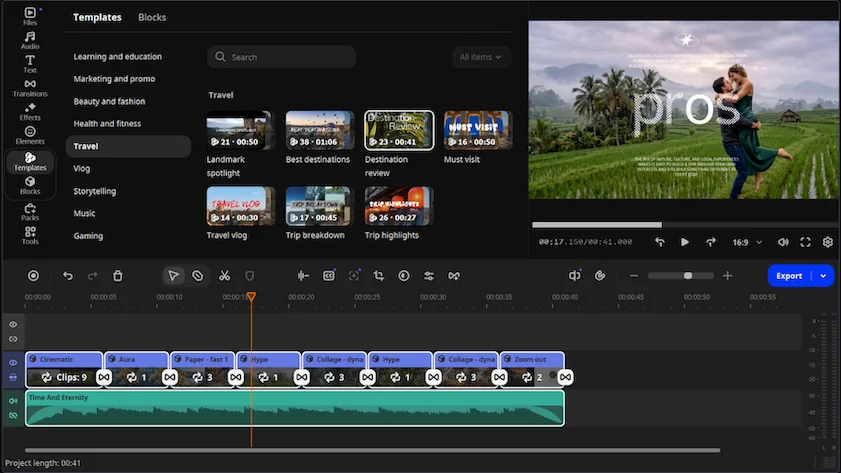
Movavi Video Editor is an intuitive video editor with customizable video templates, one-click AI tools, and hundreds of drag-and-drop effects. It is a desktop video editor for Windows and Mac. Hover over a clip or a spot on the timeline and a preview of that exact frame appears. Drag an effect onto the timeline and it lands there. That is how a first video comes together on the first try. If you want ideas to copy, Movavi Ideas is a free tutorial hub with new editing tricks every week, each with a step-by-step guide.
Key features
- Movavi Video Templates is a multi-style library of customizable, pro-looking, modular templates for any kind of video. A template is a ready-made project built from Blocks, short pre-edited segments such as an intro, a countdown, a quick cut, or an animated collage. You drop your own videos, photos, and text into the Blocks. The editor comes with a few free templates, and the rest of the library needs a separate Movavi Templates subscription.
- AI subtitles. Speech-to-text across 100+ languages, 60+ subtitle designs, and word highlighting that follows the audio in real time.
- Auto silence removal. Finds pauses in one click, with adjustable pause length and volume thresholds.
- Auto-tracked cropping. Turns horizontal footage into vertical while keeping the speaker or product centered.
- Built-in effects. Drag-and-drop transitions, titles, filters, and stickers, plus copyright-free music.